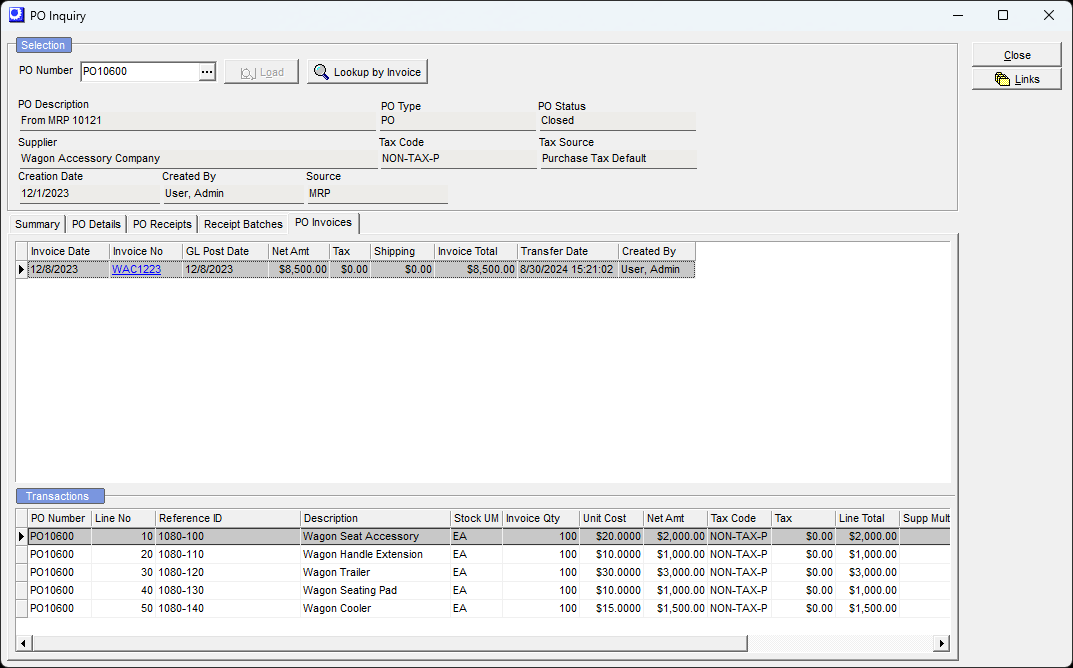
(Purch – PO Inquiry)
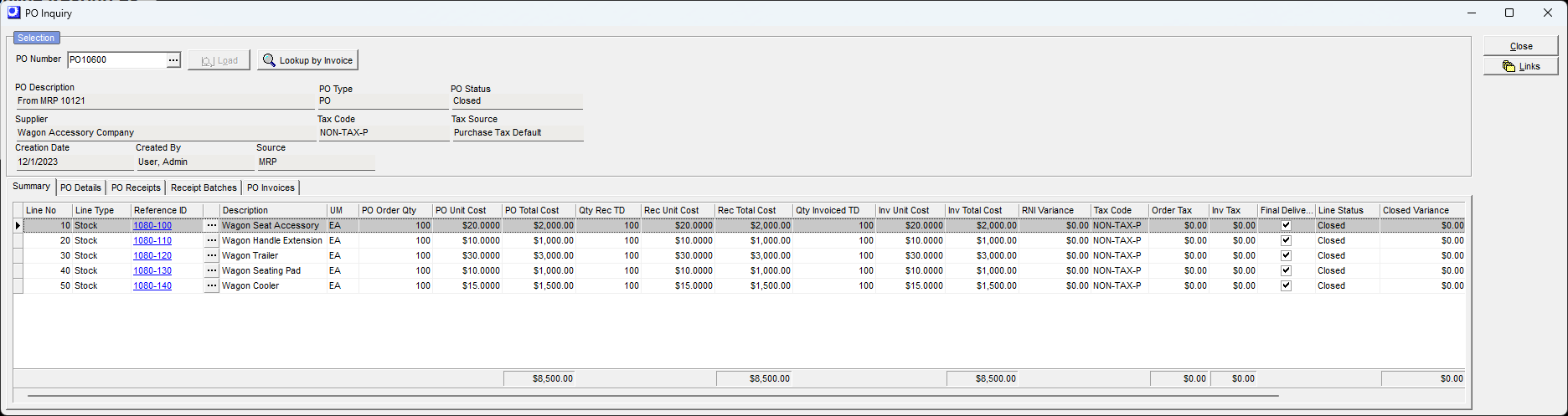
This screen enables users to inquire on the status of a purchase order and to review associated receipts and PO Invoices.
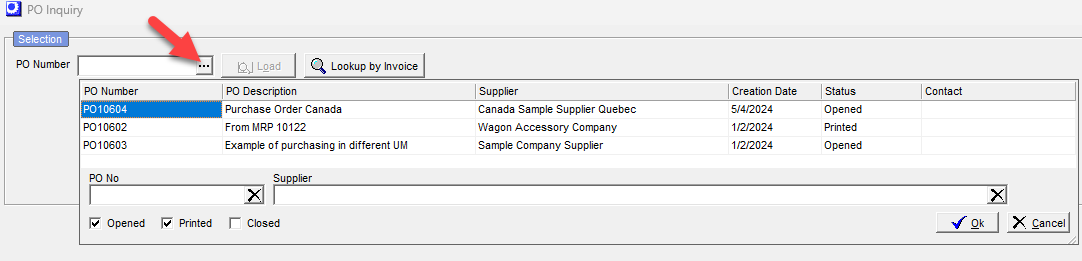
Purchase Order Selection
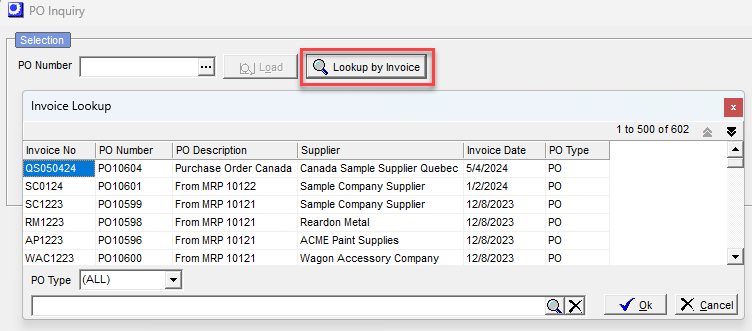
Select either the PO Number or PO Invoice Number to Load the inquiry data.
Search by PO Number
Search by PO Invoice Number
Screen Details
Summary Tab
▪Provides a summary of all receipt and invoice transactions to date
▪For PO lines that are Open, the RNI Variance represents the difference in receipt costs to date versus invoice costs to date
▪For PO lines that are Closed, the Closed Variance represents the difference in total receipt costs versus total invoice costs
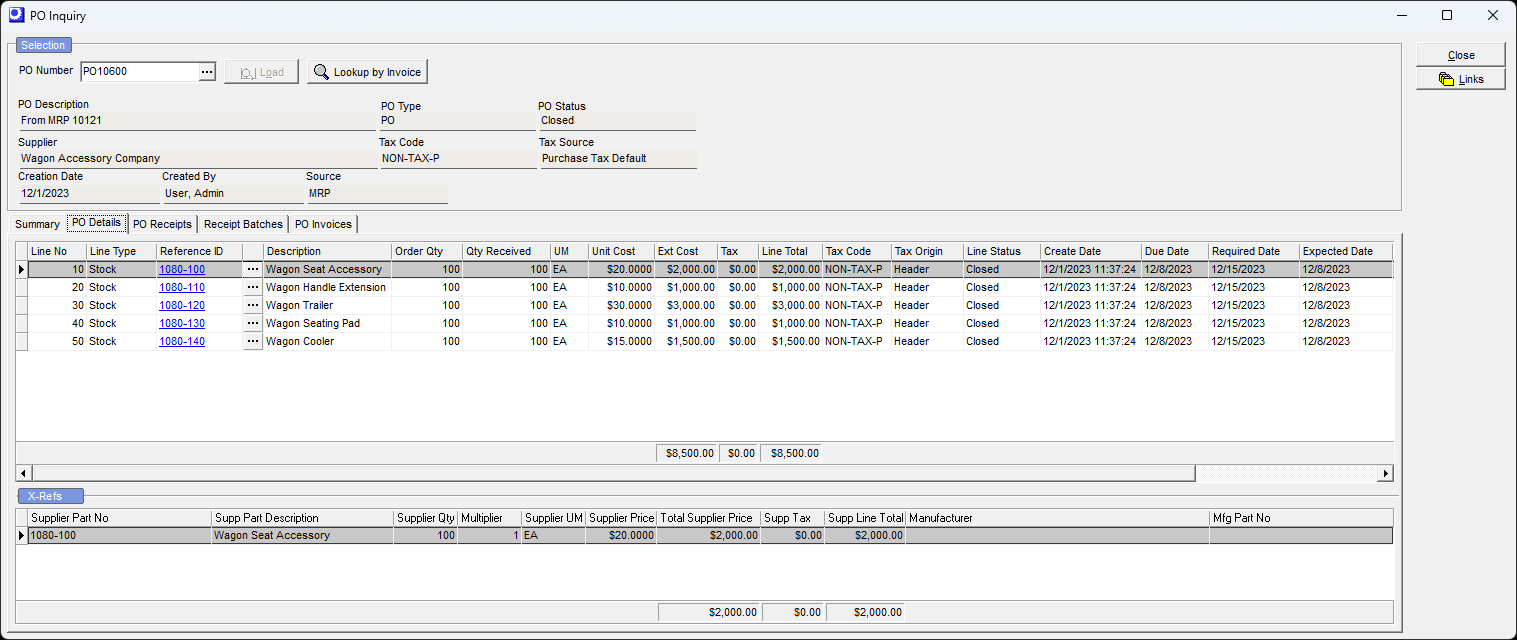
PO Details Tab
▪Upper Grid provides PO Details in the stocking unit of measure and home currency
▪Lower Grid provides XRef info in Supplier unit of measure and supplier currency
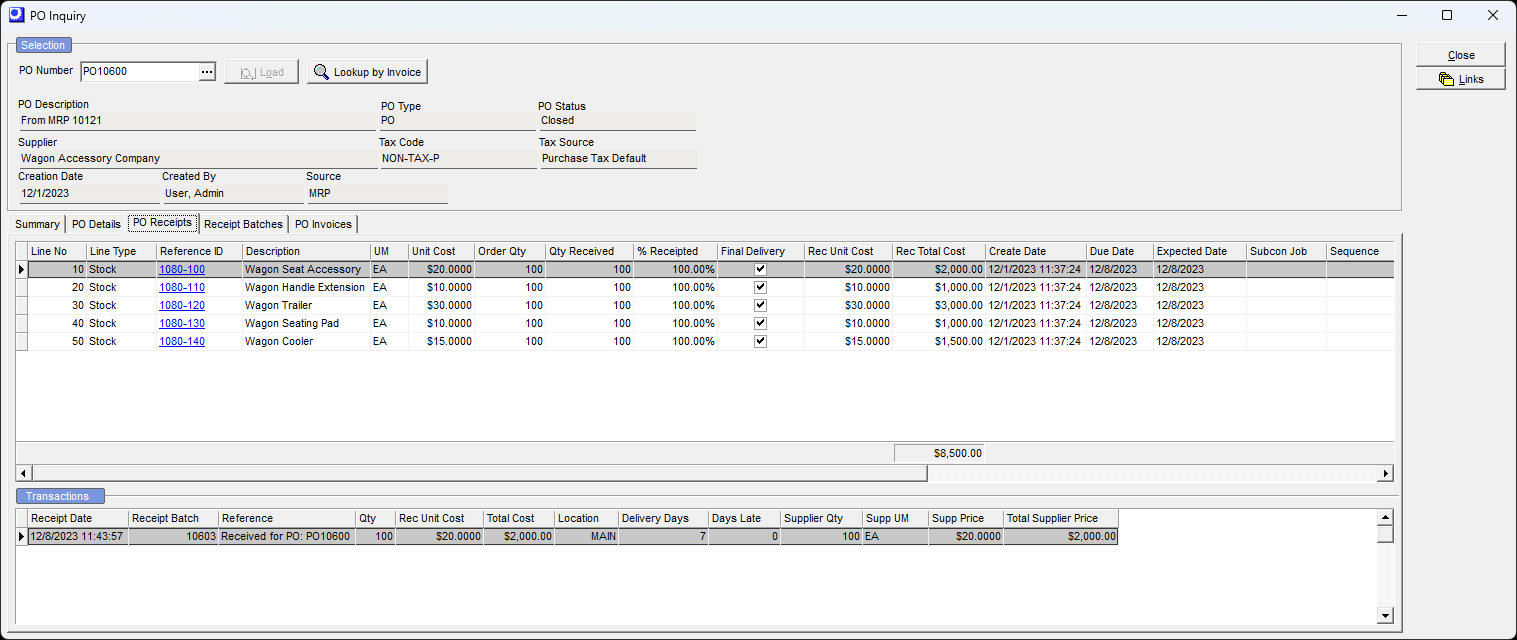
PO Receipts Tab
▪Upper Grid provides a summary of PO Receipt activity per PO line in the stocking unit of measure and home currency
▪Lower Grid provides transaction details of the PO Receipts including the supplier unit of measure
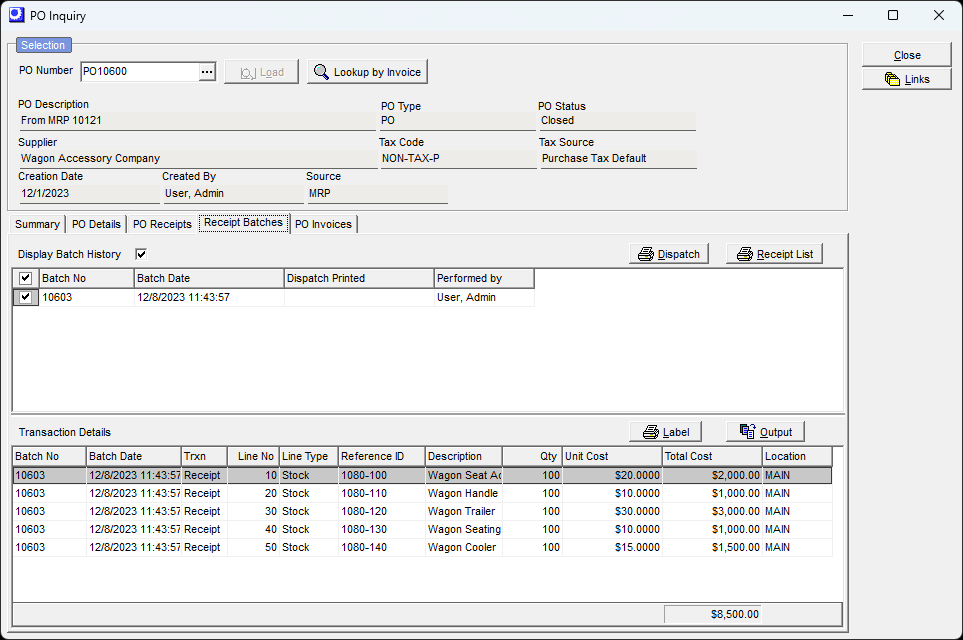
Receipt Batches Tab
▪Upper Grid provides header information for each Receipt Batch
▪Lower Grid provides transaction details for all of the Batch Numbers that are checked in the upper grid.
PO Invoices
▪Upper Grid provides the summary info for each PO Invoice
▪Lower Grid provides the transaction details of each PO Invoice